Particle systems
Particle systems are available in the compositing editor, both in 2D and 3D compositions. Some particles configurations work better in 2D, other in 3D.
Youtube Pikimov particles system tutorial
Adding a particle system
You can add a particle system with the default settings, or use one of the presets as a starting point. There are also several demos to help you find out how to use particle systems.
Emitter settings
-
start time
set the time when the emitter starts emitting particles (in seconds) -
emission duration
for how long the emitter emits particles (in seconds) -
spread
how much particles will follow the initial trajectory -
gravity
replicate the gravity
-
freeze time
don't animate the particles, but instead choose a time to take a 'snapshot' of the particles -
free floating
enable it to add a smooth free floating movement to the particles, like fireflies -
're seed' button
click it to generate a new sequence of random values, useful when duplicating a particle system to avoid the copy to be exactly the same as the original
Particles settings
-
particles type
choose one of the available shape, or select an image from the files library -
animate color over life
rather than a unique color, the color of particles will change over time -
stretch
stretch the shape of the particles based on their velocity -
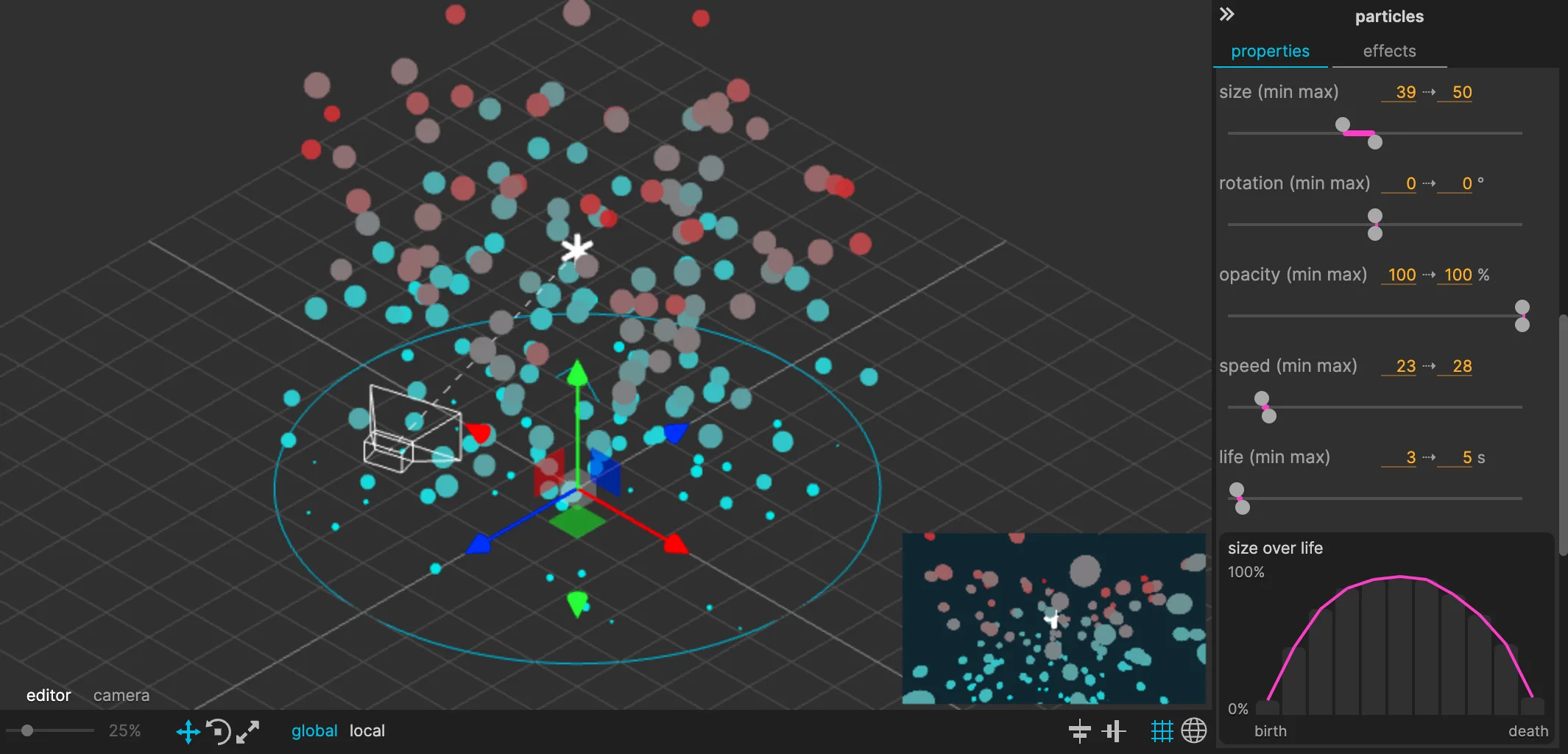
* over life
click on the gray bar to set values, the pink bar represents the value over time
Import an image and use it as particles
- Import your image to the project library
- In the particles system settings, 'particles' tab, set the particles type to 'image'
- Select your image as 'library image'
Contribute to Pikimov!
If you've made great particles settings that do not use any library file, share them with me, it may be added to Pikimov as a template!
clement@pikimov.com